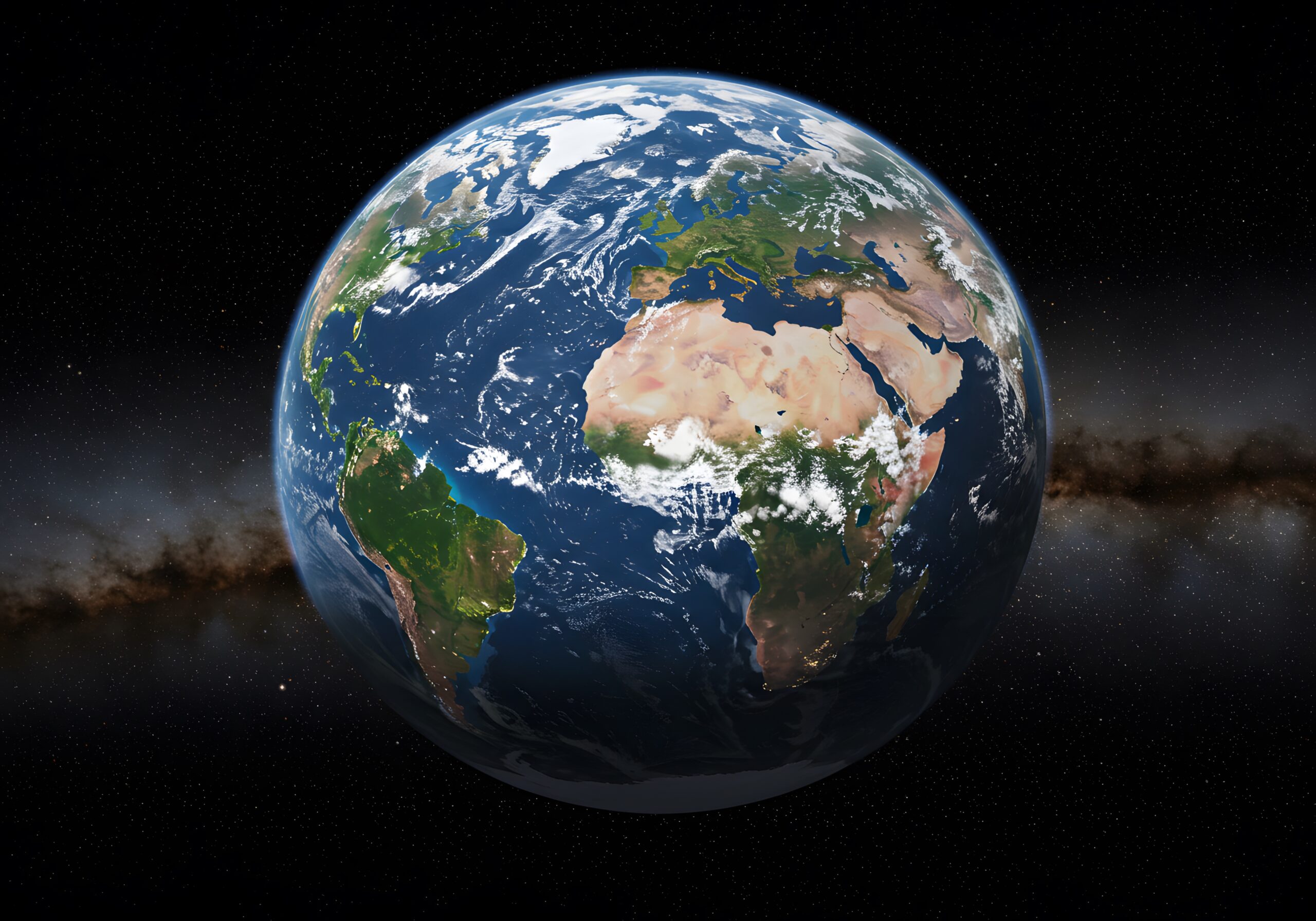
Google Earth is a free 3D interactive globe created by Google that lets you explore the planet through high-resolution satellite imagery, aerial photos, topographic maps, and street views. You can virtually fly to cities, mountains, oceans, or even your own house in incredible detail.
Key Features of Google Earth
3D View of Cities and Landmarks
Historical Imagery Timeline
360° Street View
Distance and Area Measuring Tool
Voyager for Guided Educational Tours
Ideal for Students, Researchers, and Travelers
Different Versions of Google Earth
Google Earth is available in different formats for different devices:
1. Google Earth Web (Browser Version)
- Works directly in your browser (preferably Google Chrome).
- No need to install anything.
- Website: https://earth.google.com
2. Google Earth Pro (Desktop Application)
- A more advanced version for Windows, Mac, and Linux.
- Offers professional tools like high-resolution image printing, GIS data import, and movie creation.
- Free to download and use.
3. Google Earth Mobile App
- Available on Android and iOS devices.
- Great for casual exploring and quick access on the go.
Tips for Using Google Earth Efficiently
Use the Search Bar: Type the name of any place — a city, landmark, or address — to fly straight to it.
Enable Layers: Turn on roads, borders, landmarks, and photos to get more context while viewing any location.
Try Voyager Stories: Take guided tours on topics like oceans, culture, history, and climate change.
Save Your Places: Bookmark your favorite spots to access them later.
Use Keyboard Shortcuts: Learn basic navigation keys for smoother movement in the desktop version.
Can Google Earth Work Offline?
Yes, but with limitations. Google Earth Pro allows you to cache data (save it temporarily) for offline viewing. This is useful if you’re traveling or have limited internet access, but real-time imagery and online features won’t work unless you’re connected.
Is Google Earth Safe?
Absolutely. Google Earth is developed and maintained by Google, one of the most trusted tech companies globally. The application itself is safe to download and use. However, always download it from the official website or app store to avoid fake versions or malware.
Use Cases of Google Earth
Education: Teachers use it for virtual geography lessons and field trips.
Real Estate: Agents and buyers check out neighborhoods before visiting.
Urban Planning: City planners use it to analyze terrain and infrastructure.
Travel Planning: Tourists use it to preview destinations and map routes.
Environmental Studies: Researchers track deforestation, ice melting, and habitat changes.